For whoever runs it
 For whoever runs it
Calling off or deleting a tournament
When a tournament won't happen, or shouldn't be there: calling it off, deleting it, and putting one back.
- 1
Call the tournament off
Event Options, then Call the tournament off. It stays exactly as it is, and members see it marked cancelled, with the reason you give.
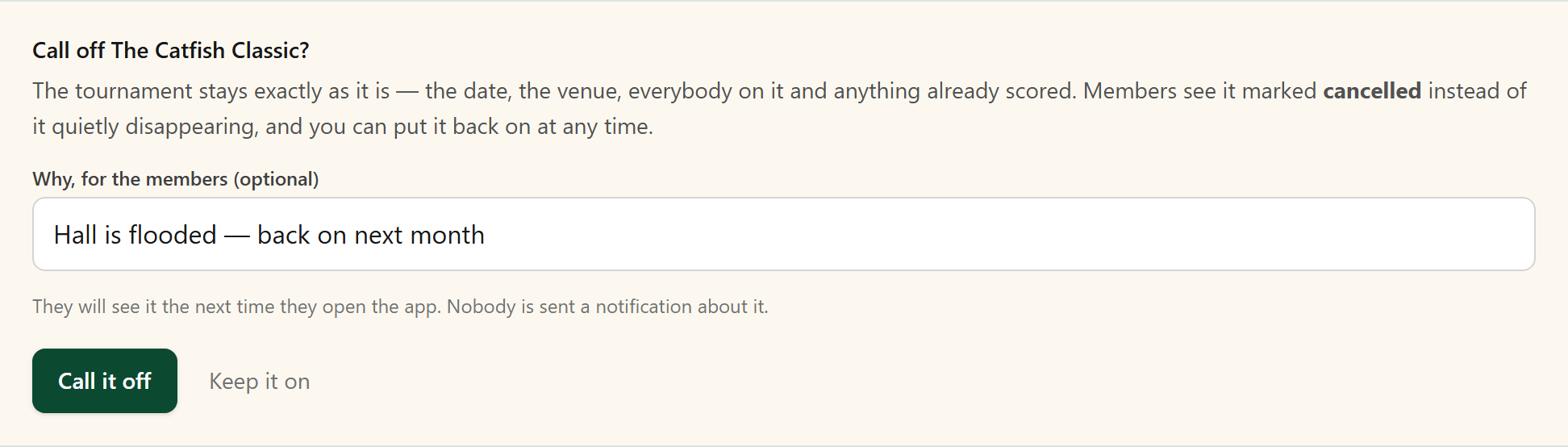
You can put this tournament back on at any time. All the information has been saved.
- 2
Delete a tournament
On the dashboard, the bin beside a tournament deletes it. The app says what deleting it will do before anything happens.
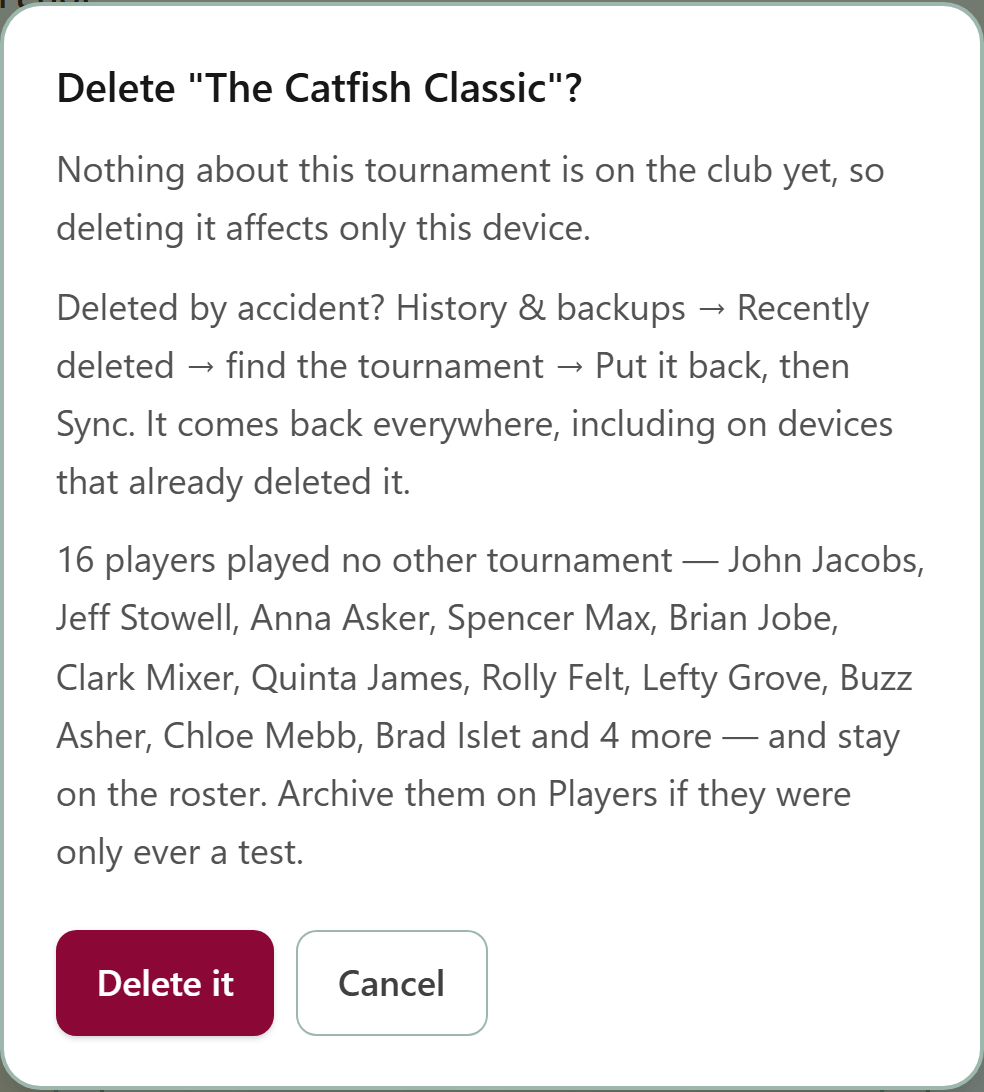
A tournament that will not happen is better called off: deleting it tells the members nothing.
- 3
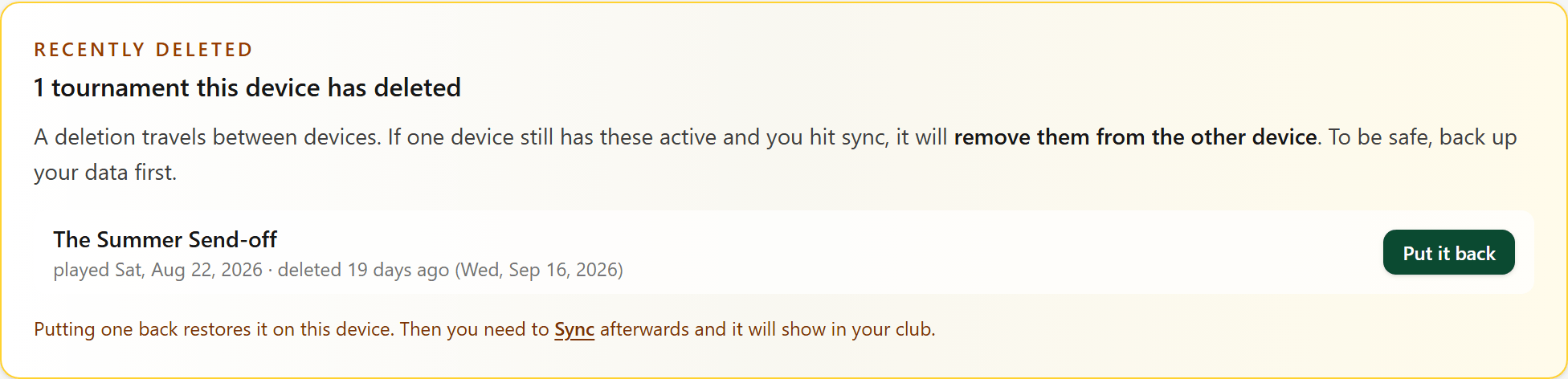
Put a deleted tournament back
Deleted one by mistake? History & backups, Recently deleted: press Put it back beside it, then Sync so it shows in your club again.