For whoever runs it
 For whoever runs it
When the room changes
Live Tournament Management: somebody leaves, somebody new sits in, the hall closes early.
- 1
Open Live Tournament Management
It is the banner under the three tabs on the tournament's page. Everything that changes a tournament once it has started is in here, with Finalize at the top.
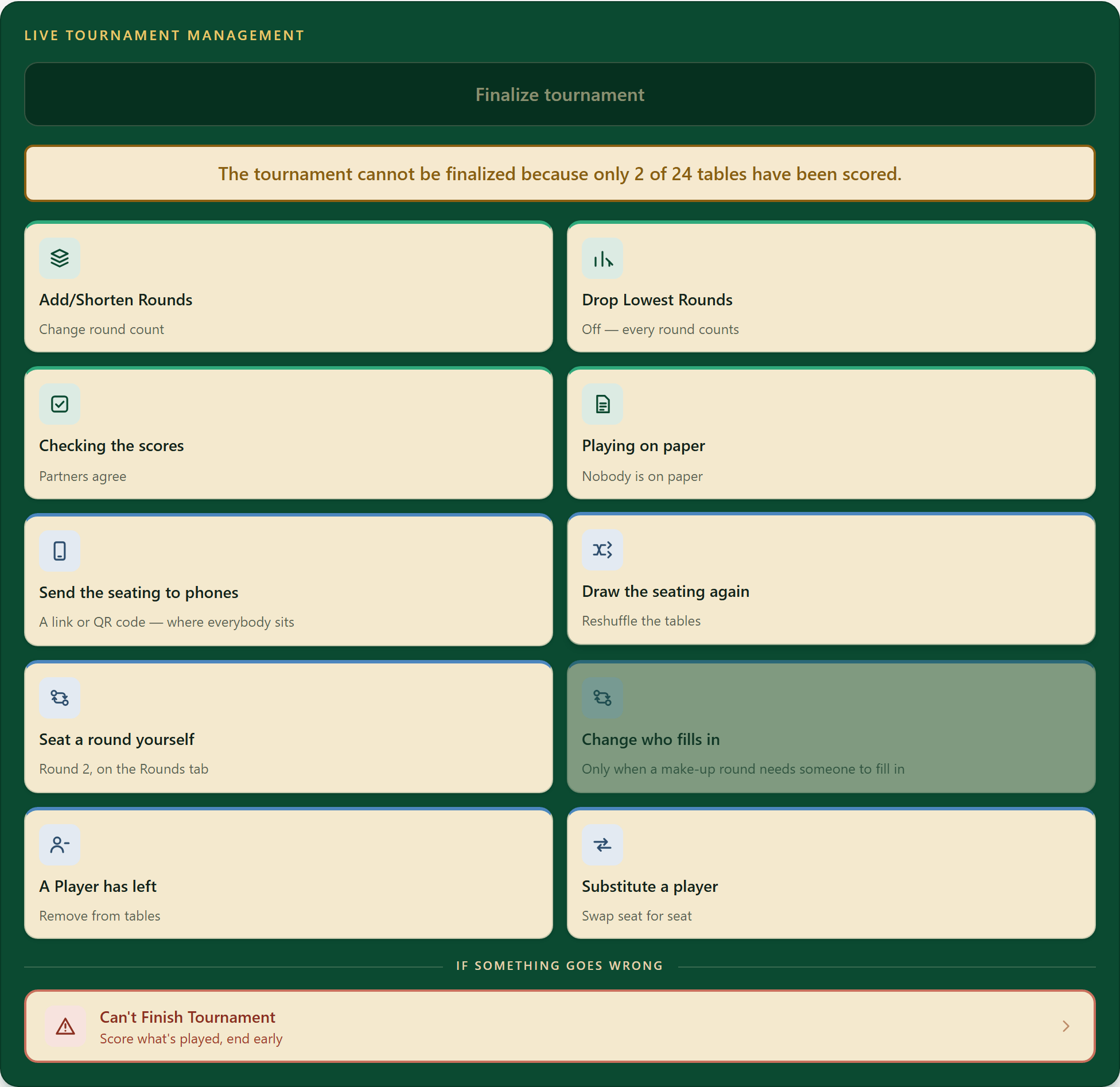
Finalize tournament stays grey until every table is scored, and says how many tables are left.
- 2
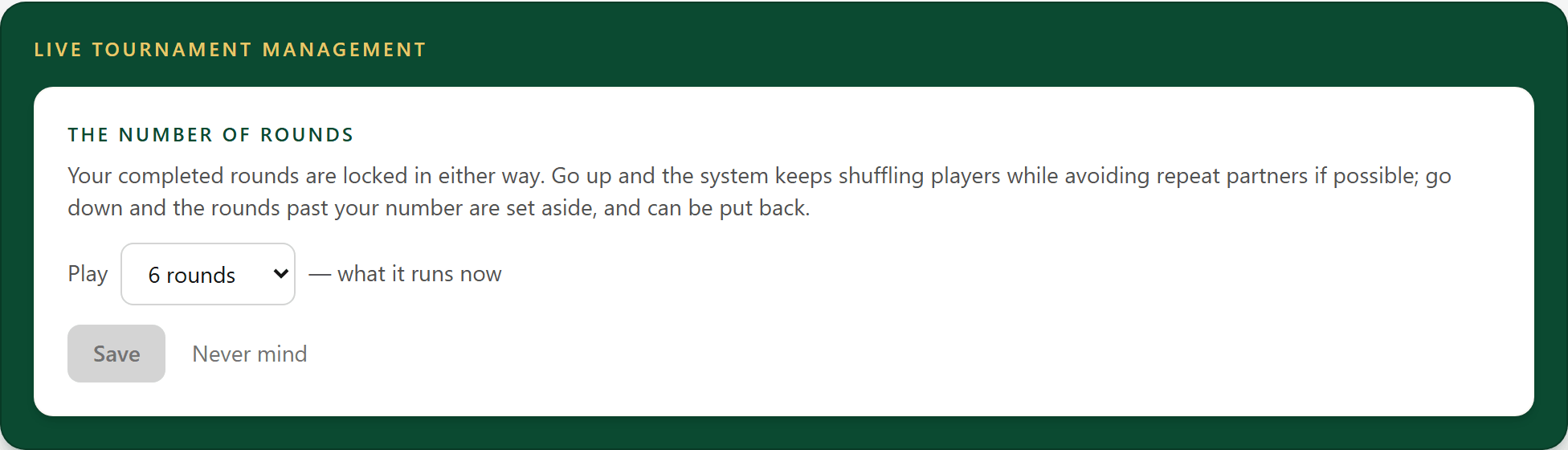
Add or shorten rounds
Running long, or finishing early? Change how many rounds the tournament plays. Completed rounds stay as they are; rounds you cut are set aside and can be put back.
- 3
A player has left
Somebody has gone home and nobody is taking their seat: the finished rounds are recorded and the seating is reshuffled for the remainder of the tournament. Note: in a doubles tournament this button is A Pair has left, and it takes the whole pair out, because one player leaving would leave an odd number of players. To keep their partner playing, have a standby player fill in with Substitute a player.
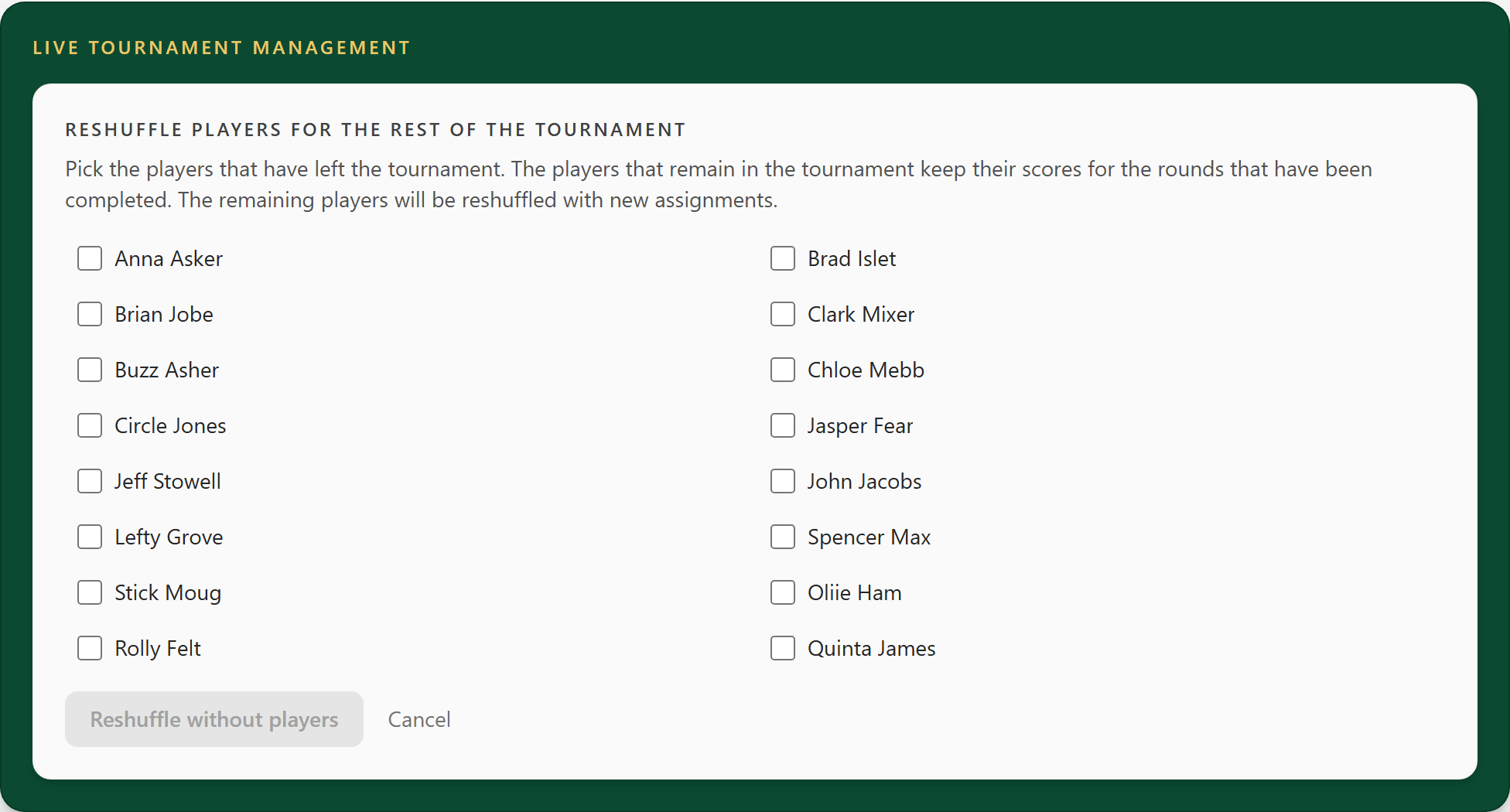
Rounds already played stay exactly as they were.
- 4
Substitute a player
Somebody new is taking over a seat. They play the rest of the tournament and carry the leaving player's score and player number at that point in the tournament.
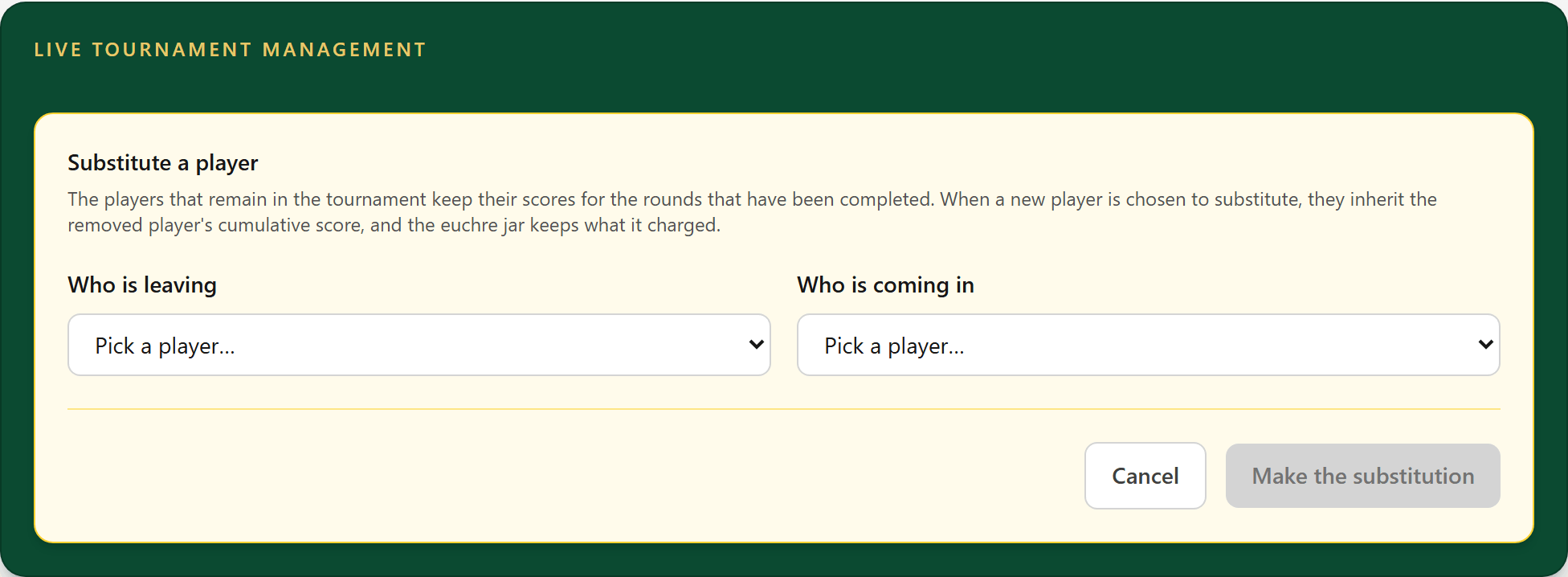
Euchres and loners are not carried over: the ones from the rounds already played stay with the player who left, and the new player's start from their first round. The standings show them as in for the player they replaced.
- 5
Draw the seating again
Everybody is still here and the draw is simply poor. Nobody joins or leaves; only who sits with whom changes, in the rounds nobody has played.
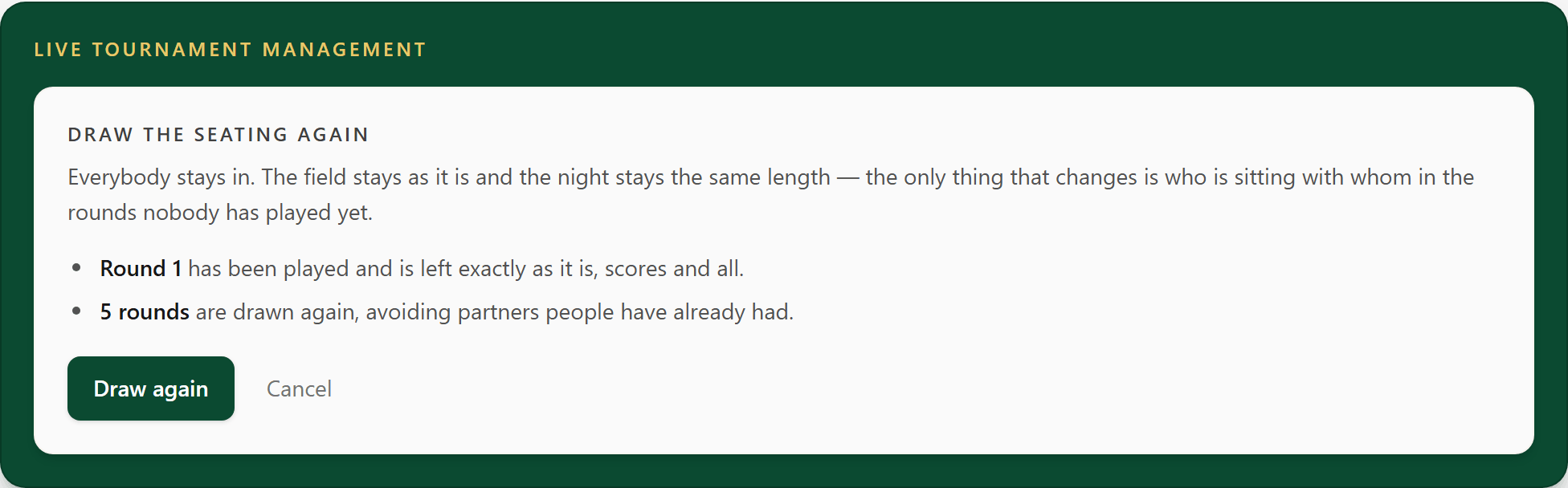
It is random each time. There is no way back to the old draw.
- 6
Seat a round yourself
For a round nobody has played yet. Tap a name, then tap the name to swap it with, and Save the seating when it is how you want it.
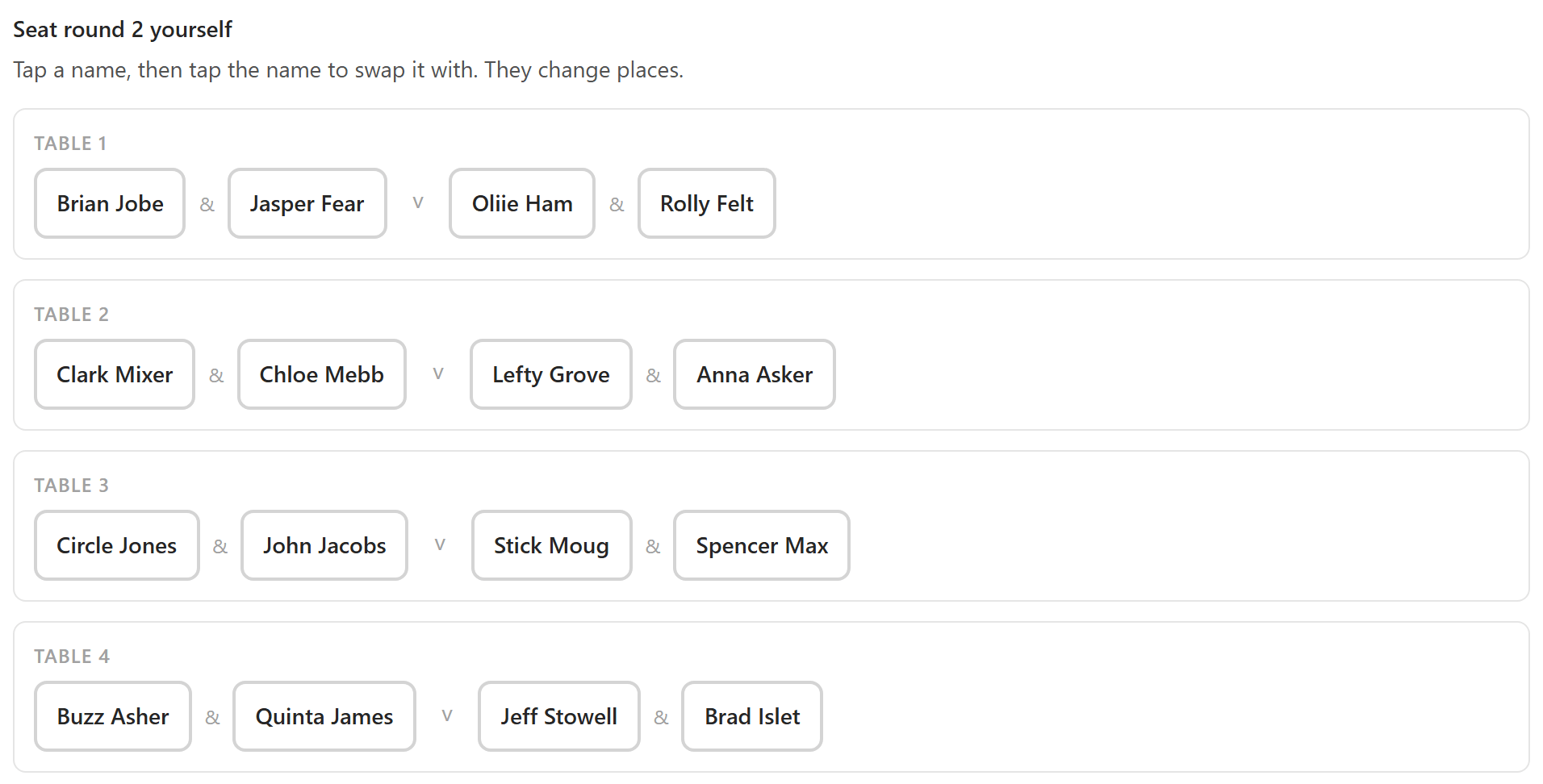
A pair who have already partnered tonight get a grey line under them, so you can see the repeat.
- 7
End it early
Is the power out? Is it raining at an outdoor tournament? Can't Finish Tournament keeps the full rounds you completed. Scores already entered in a round in progress are saved but set aside: they do not count unless the tournament is resumed.
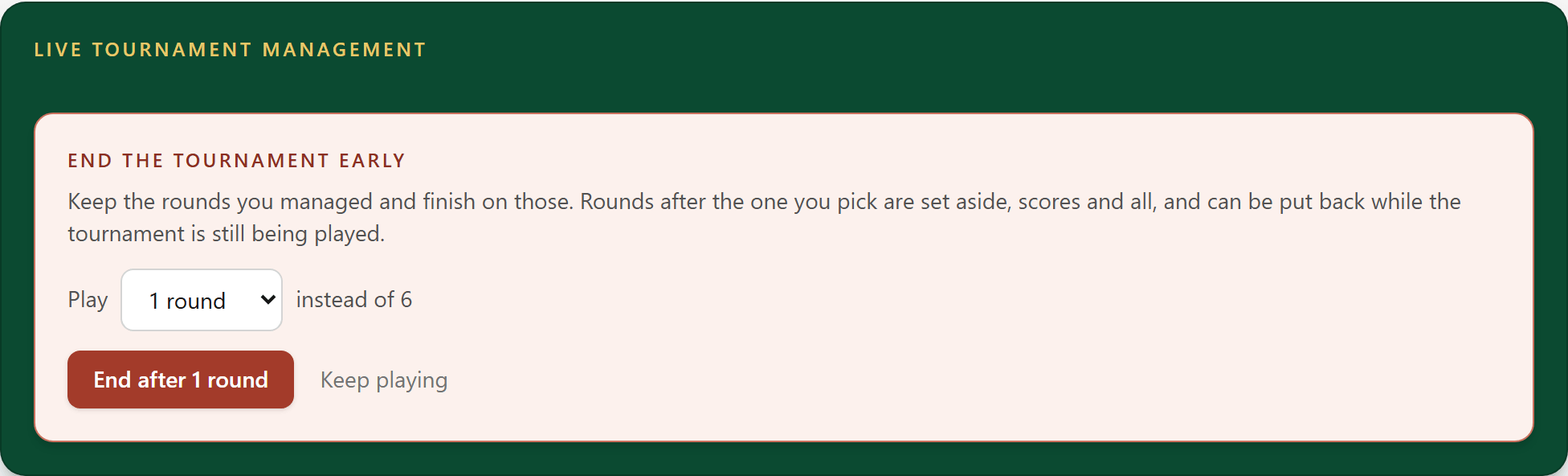
Rounds after the one you pick are set aside, scores and all, and can be put back while the tournament is still being played.
- 8
Reopen a finished tournament
Finalized too soon, or somebody's result is wrong? Reopen it to change who played, substitute somebody, or edit setup.

A wrong score doesn't need this: correct it on the Rounds tab.